

Click the image to go NOVAC’s digital library, login instructions can be found below.
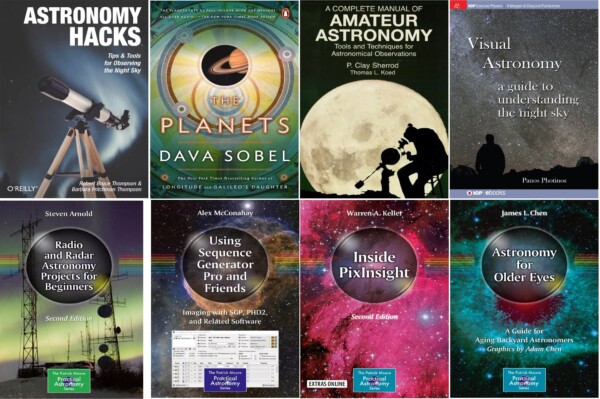
Login to the site with your 4-digit NOVAC Member ID as library card/ID and Last 4 digits of your phone number as password/pin.
Note: If your NOVAC ID is less than 4 digits, just add leading zeros. So, if you are member #123, use 0123 when logging in. The phone number used is whatever you provided to NOVAC as your home phone when becoming a member.
Member ID and listed phone number can be found here (if logged into NOVAC’s site):
https://www.novac.com/wp/members/update-profile/

You must be logged in to post a comment.